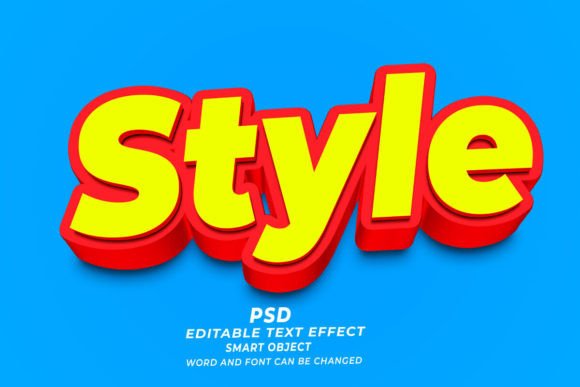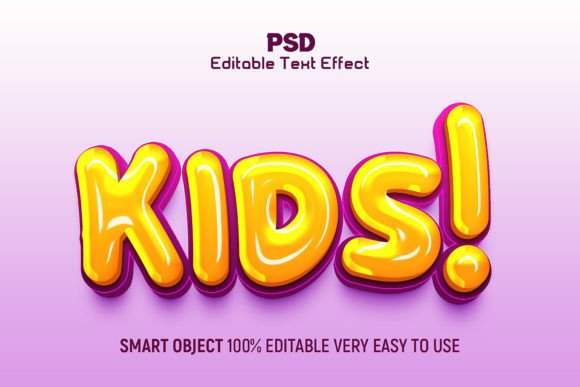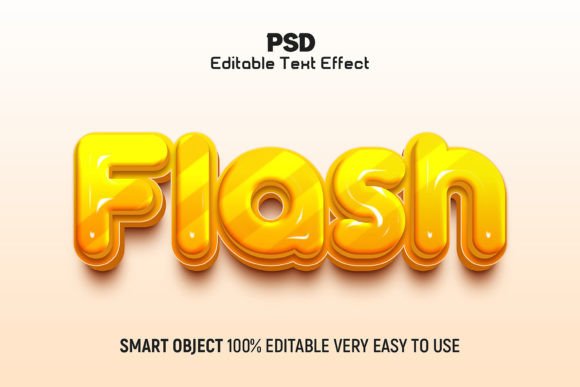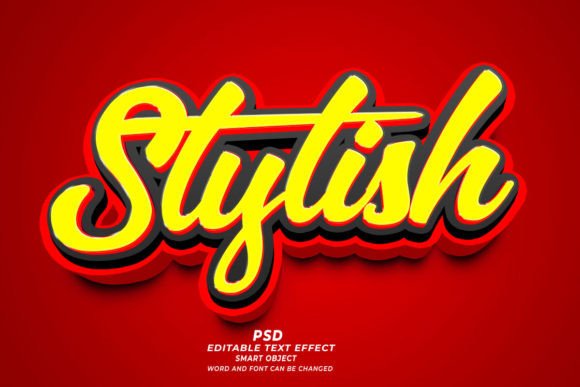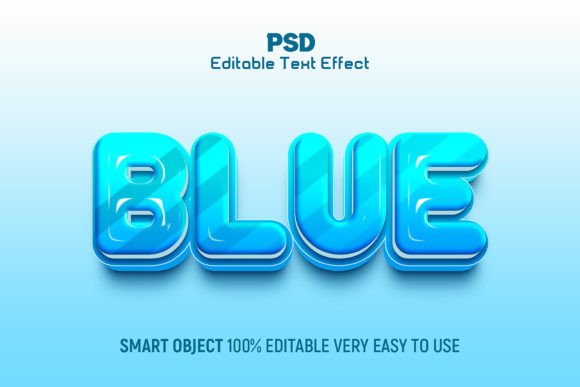
Blue 3D Editable Text Effect Style
In the fast-paced world of digital design, first impressions are often determined within milliseconds. A well-crafted headline does more than convey information; it sets the tone, establishes hierarchy, and captures attention. This is where the Blue 3D Editable Text Effect Style becomes an invaluable asset for creators who need to balance visual impact with workflow efficiency. Whether you are designing a social media graphic, a website banner, or a print advertisement, the ability to quickly apply a high-quality, professional finish to your typography can significantly elevate your final output.
This resource, created using Adobe Photoshop CC, offers a streamlined solution for designers who want to avoid the time-consuming process of building complex 3D layers from scratch. By providing a fully editable PSD file, it allows you to focus on the creative message rather than the technical intricacies of lighting, shading, and perspective. The result is a crisp, modern aesthetic that feels both substantial and dynamic, perfectly suited for a wide range of contemporary projects.
Why Choose a Pre-Built 3D Text Effect?
Creating realistic three-dimensional text in Photoshop traditionally requires a deep understanding of layer styles, blending options, and sometimes even third-party plugins. You must consider light sources, cast shadows, ambient occlusion, and material textures. For a seasoned 3D artist, this is routine. However for marketers, bloggers, or small business owners who wear many hats, this learning curve can be a significant barrier.
The Blue 3D Editable Text Effect Style bridges this gap. It provides a high-resolution, 300dpi RGB foundation that is ready to use immediately. The primary benefit here is not just speed, but consistency. When you use a pre-built effect, you ensure that the lighting and depth remain coherent throughout your design. This is particularly useful when you need to produce a series of graphics for a campaign. Instead of rebuilding the effect for every new headline, you simply type your new text, and the smart objects handle the rest. This reliability allows you to maintain a cohesive brand identity across different platforms without sacrificing quality.
Versatility Across Industries and Projects
One of the most compelling aspects of this graphic resource is its adaptability. The cool blue tones evoke feelings of trust, stability, and technology, making it an excellent choice for various industries. Here is how different professionals can leverage this effect:
- Digital Marketers: Use the bold, dimensional look to make call-to-action buttons or sale announcements pop on social media feeds. The high contrast ensures readability even on smaller mobile screens.
- Tech Startups: The sleek, modern aesthetic aligns well with software launches, app interfaces, or cybersecurity branding, where a sense of innovation and security is paramount.
- Educators and Publishers: Create engaging chapter headers for e-books or online courses. The 3D effect adds a layer of sophistication that can make educational content feel more premium and structured.
- Event Planners: Design eye-catching posters for corporate conferences or tech summits. The blue palette is neutral enough to fit corporate guidelines while still being visually striking.
Because every element is editable, you are not locked into a single shade of blue. You can adjust the hue to match your specific brand colors, shift the saturation for a more vibrant look, or darken the tones for a more subtle, professional appearance. This flexibility ensures that the effect serves your design goals rather than dictating them.
Technical Features That Simplify Your Workflow
Understanding the technical backbone of this resource helps you utilize it more effectively. The file is organized with well-structured layers grouped logically, which is crucial for maintaining sanity in complex Photoshop documents. Here is what makes this PSD file particularly user-friendly:
- 100% Editable Fonts: You are not restricted to a specific typeface. You can swap in any font installed on your system, allowing you to match the typography to your brand guidelines instantly.
- High-Resolution Output: At 300dpi, the effect is suitable for both digital displays and high-quality print materials. This dual-purpose capability means you can use the same asset for a web banner and a printed flyer without losing clarity.
- Smart Object Integration: The core of the editability lies in smart objects. By double-clicking the designated layer, you can type your text, save, and watch the 3D effect update automatically. This non-destructive editing process preserves the original quality of the effect.
- Comprehensive Help Guide: For those less familiar with Photoshop’s advanced features, the included help guide provides step-by-step instructions. This support ensures that even beginners can achieve professional results without frustration.
Creative Directions and Customization Tips
While the default blue style is striking, true creativity comes from experimentation. Do not be afraid to tweak the parameters to create something unique. Here are a few practical approaches to customizing the effect:
Play with Lighting: The 3D effect relies heavily on light and shadow. By adjusting the angle of the drop shadow or the intensity of the inner glow, you can change the perceived time of day or the mood of the piece. A softer light creates a calm, approachable feel, while harsh, direct lighting adds drama and urgency.
Combine with Textures: Although the effect is clean by default, you can overlay subtle textures to add grit or realism. A slight noise grain can make the digital text feel more tangible, while a gradient map can introduce secondary colors that complement the primary blue.
Contextual Backgrounds: The success of a 3D text effect often depends on its background. A plain white background highlights the text clearly, but placing it against a complementary abstract background or a blurred photograph can create depth and context. Ensure there is enough contrast between the text and the background to maintain readability.
Ensuring Clarity and Consistency
When using bold effects like this, it is easy to let style overshadow substance. To keep your designs effective, always prioritize legibility. The 3D extrusion should enhance the text, not obscure it. If you find the effect making the letters hard to read, consider reducing the depth of the extrusion or simplifying the background.
Consistency is also key. If you are using this effect for a multi-page document or a series of social posts, ensure that the lighting direction and color palette remain consistent. This creates a unified visual language that helps your audience recognize your content instantly. Use the organized layers in the PSD to save your preferred settings as a template, ensuring that every new piece of text adheres to the same visual standards.
Support and Continuous Improvement
Design tools are only as good as the support behind them. The creators of this Blue 3D Editable Text Effect Style understand that questions may arise during the customization process. Whether you are unsure about how to change a specific layer style or need advice on integrating the effect into a larger composition, support is available. Do not hesitate to reach out if you encounter issues or need clarification. This commitment to user assistance ensures that you can maximize the value of the resource, turning potential frustrations into learning opportunities.
In conclusion, this editable PSD text effect is more than just a shortcut; it is a tool that empowers creators to produce high-quality, professional-grade typography with ease. By combining technical precision with creative flexibility, it allows you to focus on what matters most: communicating your message effectively. Whether you are a seasoned designer looking to speed up your workflow or a beginner aiming to elevate your visual content, this resource offers a reliable, stylish, and practical solution for your design needs.