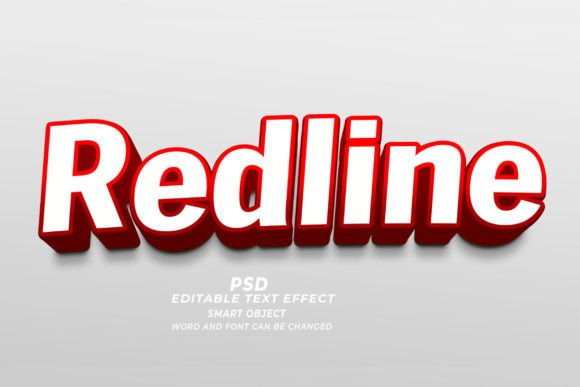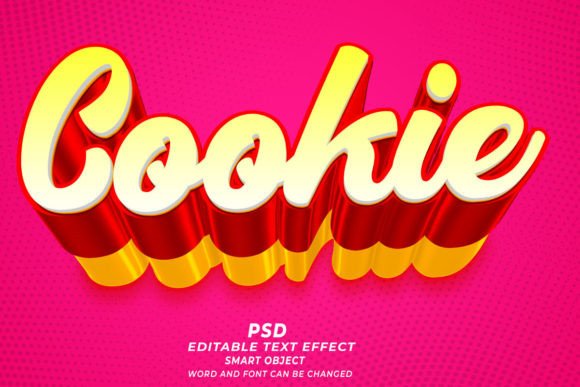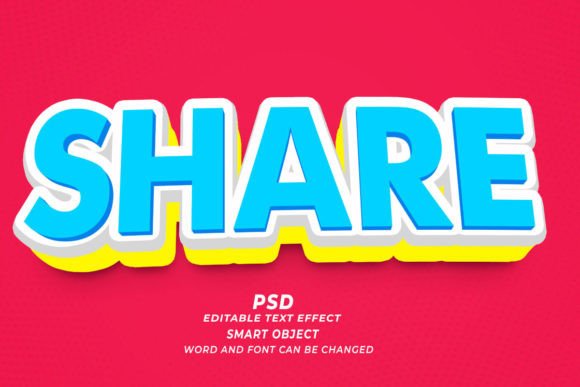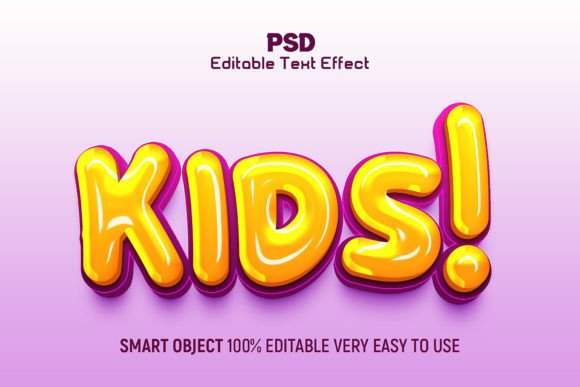
Forest PSD 3D Editable Text Effect Guide
Creating professional-grade typography often feels like a steep mountain to climb, especially if you are not a seasoned graphic designer. However, tools like the Forest PSD 3D Editable Text Effect bridge the gap between amateur attempts and polished, commercial-ready designs. This resource is more than just a pre-made graphic; it is a flexible template designed to save time while delivering high-impact visual results. By leveraging smart objects in Adobe Photoshop, users can achieve complex three-dimensional looks without needing to master advanced lighting, shading, or perspective techniques from scratch.
Understanding the Core Concept
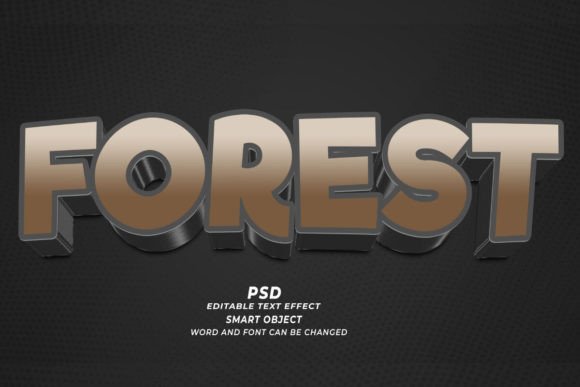
At its heart, this tool is a Photoshop file (.PSD) pre-configured with layers, styles, and effects that mimic the organic, textured appearance of a forest environment applied to text. The "3D" aspect refers to the depth and dimensionality added through shadows, highlights, and layering, giving the letters a tangible presence on the screen or page. The term "editable" is the key feature here. Unlike a flat JPEG or PNG image where the text is baked in and unchangeable, this PSD utilizes Smart Objects.
Smart Objects act as containers for your content. When you double-click the Smart Object layer, a new window opens where you can type your desired words, change the font, or adjust the size. Once you save and close that window, the main document automatically updates, applying all the complex forest-themed textures and 3D effects to your new text instantly. This workflow transforms what could take hours of manual design work into a matter of minutes.
Why Designers and Entrepreneurs Choose This Approach
The primary appeal of the Forest PSD 3D Editable Text Effect lies in its efficiency and consistency. For small business owners, marketers, and freelancers, time is a valuable commodity. Spending hours tweaking bevels and embosses to get a realistic wood or leaf texture is often not feasible when deadlines are tight. This template allows users to maintain a high standard of quality without the extensive learning curve associated with advanced 3D modeling or photorealistic rendering.
Furthermore, the aesthetic itself carries significant psychological weight. Forest themes evoke feelings of nature, sustainability, growth, and calmness. For brands focused on eco-friendly products, outdoor gear, organic foods, or wellness services, this visual style aligns perfectly with their messaging. It provides an immediate visual cue to the audience about the brand’s values before they even read the accompanying copy.
Versatile Applications Across Industries
One of the strongest advantages of this text effect is its adaptability. Because it is high-resolution (300 DPI), it is suitable for both digital and print mediums. Here are several practical ways creators are using this tool:
- Print-on-Demand (POD) Products: T-shirts, hoodies, and tote bags benefit greatly from textured text. The forest theme works exceptionally well for apparel targeted at hikers, campers, or nature lovers. The 3D effect adds a premium look that stands out in crowded online marketplaces.
- KDP Book Covers: Self-publishing authors often struggle with cover design. A striking title using this effect can make a fantasy novel, a guide on survival skills, or a journal about mindfulness stand out on Amazon’s digital shelves.
- Web Banners and Headers: Digital marketers can use these editable texts to create eye-catching headers for landing pages. The natural aesthetic can soften the look of a tech-heavy site or reinforce the branding of an environmental nonprofit.
- Social Media Graphics: Instagram posts, Pinterest pins, and Facebook ads require quick turnaround times. Being able to swap out text quickly allows social media managers to keep their content fresh and relevant without redesigning assets from scratch every time.
- Event Invitations and Posters: Whether it is a woodland-themed wedding, a summer camp flyer, or an eco-conference poster, the template provides a cohesive look that ties the event’s theme together visually.
How to Get the Best Results
While the process is designed to be "click and edit," there are nuances to consider to ensure your final output looks professional. First, pay attention to your font choice. Not every typeface works well with heavy textures. Bold, thick fonts generally hold up better because they provide enough surface area for the forest textures and 3D effects to be visible. Thin, delicate scripts might get lost in the details or become illegible.
Second, consider the color palette. Although the template comes with predefined colors, you can often adjust hue and saturation to match your specific brand guidelines. If your brand uses a specific shade of green or brown, tweaking the adjustment layers in Photoshop can help integrate the text seamlessly into your broader marketing materials.
Third, always check the resolution settings. Since this template is provided at 300 DPI, it is print-ready. However, if you are using it strictly for web purposes, you may want to export a lower-resolution version (72 DPI) to ensure faster loading times on websites. Conversely, never upscale a low-resolution image; always start with the high-quality PSD source file to maintain crisp edges and clear textures.
Important Considerations Before You Start
Before downloading or purchasing any Forest PSD 3D Editable Text Effect, it is wise to verify compatibility. Ensure you have a version of Adobe Photoshop that supports Smart Objects and layer styles. Most modern versions (CS6 and later, including Creative Cloud) will work fine, but older software might lack certain features required for the 3D rendering.
Additionally, think about licensing. If you plan to use the final design for commercial clients or sell products featuring the text, confirm that the template’s license allows for commercial use. Most reputable designers offer licenses that permit this, but it is always safer to double-check than to assume.
Finally, remember that while templates are powerful, they are starting points. The most compelling designs often involve a bit of customization. You might add a subtle background image, adjust the lighting direction to match other elements in your composition, or combine the text effect with other graphic elements like leaves, branches, or animals. The goal is to make the template feel unique to your project, rather than generic.
In conclusion, the Forest PSD 3D Editable Text Effect is a practical solution for anyone looking to elevate their design game without investing hundreds of hours in learning complex software techniques. It balances ease of use with professional quality, making it an invaluable asset for bloggers, entrepreneurs, and designers alike. By understanding how to leverage its features and respecting its limitations, you can create stunning, nature-inspired visuals that captivate your audience and communicate your message effectively.