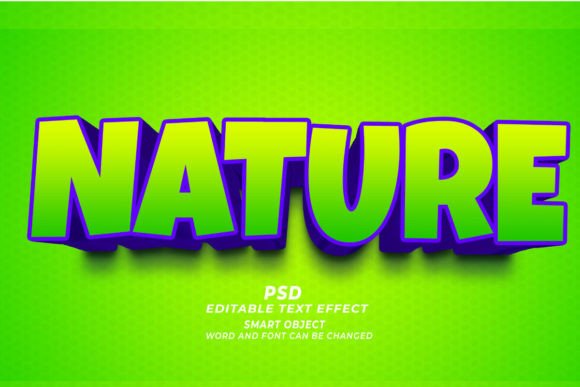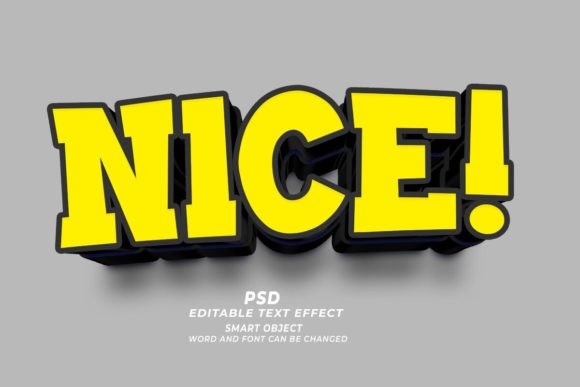
Mastering Visual Impact: A Practical Guide to Nice PSD 3D Editable Text Effects
In the fast-paced world of digital design and print media, typography is rarely just about readability; it is a primary vehicle for brand identity and visual engagement. For designers, marketers, and entrepreneurs, the ability to produce high-quality, three-dimensional text quickly can significantly impact workflow efficiency and project profitability. This is where resources like the Nice PSD 3D Editable Text Effect become valuable assets. Rather than building complex lighting, shadows, and extrusions from scratch, these pre-configured Photoshop files offer a streamlined pathway to professional results.
Understanding how these tools fit into a broader design ecosystem requires looking beyond the immediate visual appeal. It involves evaluating ease of use, technical flexibility, and suitability for specific output mediums. Whether you are designing a website header, a physical t-shirt, or a book cover for Kindle Direct Publishing (KDP), knowing when to utilize a smart object-based text effect versus custom modeling is a critical decision-making skill.
Understanding the Mechanics of Smart Object Text Effects
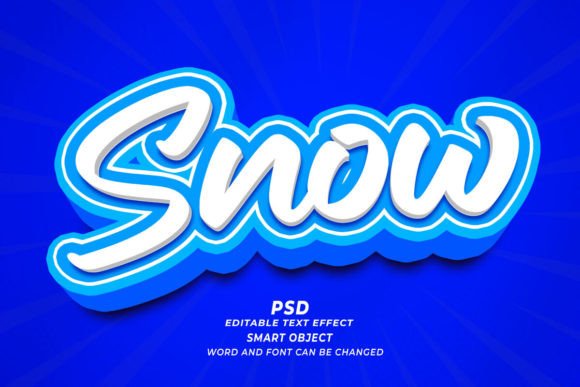
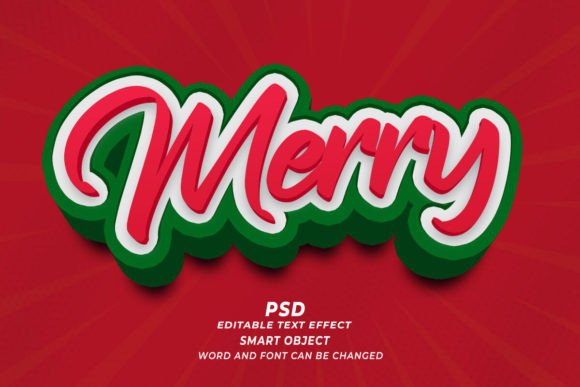
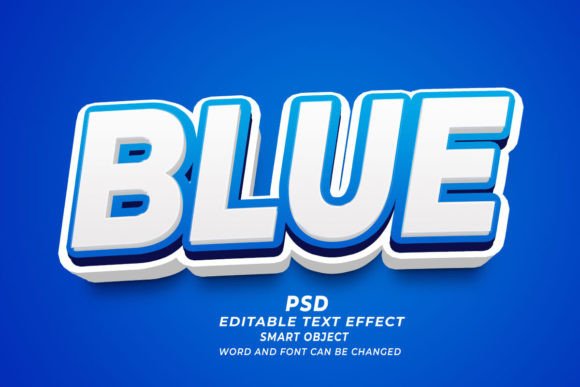
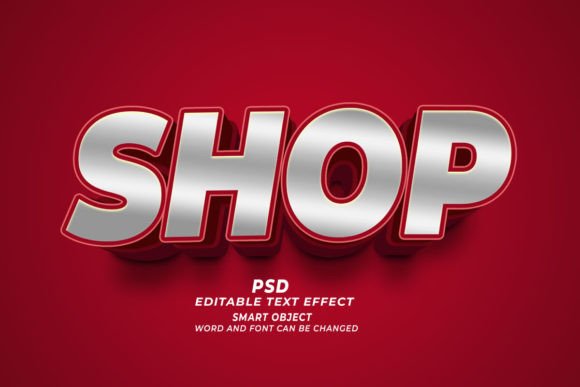
At its core, a Nice PSD 3D Editable Text Effect is a Adobe Photoshop document that leverages the power of Smart Objects. Unlike standard raster layers, which pixelate when resized or lose their editability once flattened, Smart Objects act as containers. They hold the original source data, allowing non-destructive editing. When you open such a file, you are presented with a layered composition where the 3D appearance—complete with highlights, shadows, depth, and texture—is already calculated and rendered.
The workflow is intentionally simplified to reduce friction. The user typically double-clicks the thumbnail of a specific layer labeled "Edit Text" or similar. This action opens a new tab containing the base text layer. Here, you can replace the placeholder content with your own copy, adjust the font family, change the size, or modify the color. Upon saving and closing this sub-window, the main document automatically updates. The 3D effects re-wrap around the new characters, maintaining perspective and lighting consistency. This "click and edit" functionality is what distinguishes these templates from static images or complex manual workflows.
Key Technical Specifications
When evaluating these resources, several technical factors determine their utility:
- Resolution: High-quality templates are delivered at 300 DPI (dots per inch). This is the industry standard for print materials, ensuring that edges remain crisp whether the final output is a business card or a large-format banner.
- Editability: The best effects allow for comprehensive changes. This includes not just the text content, but also the ability to swap fonts and adjust sizes without breaking the 3D illusion.
- Versatility: While designed for text, many of these smart objects can accept vector shapes or logos, expanding their use case beyond typography.
Comparing Pre-Made Effects vs. Custom 3D Modeling
One of the most common questions designers face is whether to use a pre-made Nice PSD 3D Editable Text Effect or to create 3D text from scratch using dedicated 3D software or Photoshop’s native 3D engine. The answer depends largely on the project's scope, timeline, and required level of customization.
Speed and Efficiency
The primary advantage of using a PSD template is speed. Creating a realistic 3D text effect manually involves setting up light sources, adjusting material properties, configuring camera angles, and rendering the scene. This process can take hours, especially for designers who are not specialists in 3D modeling. In contrast, a pre-made effect delivers a polished result in minutes. For projects with tight deadlines, such as last-minute marketing materials or rapid social media campaigns, this efficiency is invaluable.
Customization and Control
However, pre-made effects come with tradeoffs. While they are editable, they are bound by the initial design parameters. If a client requires a specific, unconventional angle of light or a unique material texture that differs significantly from the template, a custom approach may be necessary. Dedicated 3D tools like Blender, Cinema 4D, or Adobe Dimension offer unlimited control over every aspect of the scene. Therefore, if the project demands hyper-specific artistic direction, a template might feel restrictive.
Cost and Skill Barrier
From a resource perspective, PSD templates are generally more affordable and accessible. They require only a basic understanding of Photoshop layers and smart objects. Custom 3D work often requires specialized software licenses and a steeper learning curve. For small business owners, print-on-demand sellers, or freelance graphic designers who do not specialize in 3D art, the Nice PSD 3D Editable Text Effect provides a professional aesthetic without the need for advanced technical training.
Ideal Use Cases and Application Scenarios
The versatility of high-resolution, editable text effects makes them suitable for a wide array of applications. Understanding where these tools excel helps in maximizing their value.
Digital Marketing and Web Design
In digital spaces, visual hierarchy is crucial. A 3D text effect can make a headline pop against a flat background, drawing the viewer’s eye immediately. These effects are particularly effective for:
- Web Banners: Eye-catching headers that need to convey depth and professionalism.
- Social Media Graphics: Posts that require bold typography to stand out in crowded feeds.
- Email Headers: Adding a touch of sophistication to newsletter designs.
Since web graphics often prioritize load times, designers can export these high-resolution PSDs into optimized web formats like PNG or WebP, retaining visual quality while managing file size.
Print-on-Demand and Merchandise
For entrepreneurs in the Print-on-Demand (POD) space, such as those selling T-shirts, mugs, or posters, the Nice PSD 3D Editable Text Effect is a powerful tool. The 300 DPI resolution ensures that the printed product looks sharp and professional. Because the text is editable, sellers can quickly create variations of popular phrases or customize designs for niche audiences without starting from zero. This agility allows for rapid testing of different design concepts in the marketplace.
Publishing and Book Covers
Book cover design, particularly for self-publishing platforms like KDP, relies heavily on genre-specific typography. Thrillers, romance novels, and business books often utilize 3D text to convey tone and gravity. Using a high-quality PSD effect allows authors and cover designers to experiment with different titles and fonts quickly. The ability to preview how different typefaces interact with the 3D lighting helps in selecting the most impactful combination before finalizing the cover.
Evaluating Limitations and Decision Factors
While these tools are robust, they are not a panacea for all design challenges. It is important to recognize their limitations to avoid frustration during the design process.
Font Compatibility
Not all fonts behave well in 3D space. Highly decorative or extremely thin fonts may lose legibility when extruded or shadowed. When using a Nice PSD 3D Editable Text Effect, it is advisable to test multiple font weights. Bold, sans-serif, or slab-serif fonts typically render better in 3D environments than delicate scripts. If a specific font choice breaks the effect, the designer may need to adjust the scale or choose a alternative typeface that maintains structural integrity.
Lighting Consistency
Pre-made effects have fixed lighting scenarios. If you are compositing this text into a photograph with different lighting directions, the result may look unnatural. In such cases, additional manual adjustment in Photoshop—such as adding drop shadows or adjusting blending modes—may be required to integrate the 3D text seamlessly into the background.
File Size and Performance
High-resolution PSDs with multiple smart objects and layer styles can be large files. Working with them requires a computer with sufficient RAM and processing power. For users with older hardware, complex effects might slow down the workflow. It is prudent to save incremental versions and manage layer visibility to maintain performance.
Making the Right Choice for Your Project
Deciding whether to incorporate a Nice PSD 3D Editable Text Effect into your workflow comes down to balancing quality, speed, and specificity. If your goal is to produce consistent, high-quality visual assets for marketing, merchandise, or publishing without investing weeks in learning 3D software, these templates are an excellent choice. They bridge the gap between amateur design and professional polish.
However, if your project demands absolute creative control over every photon of light and every polygon of geometry, or if you are creating animated 3D content for video, a dedicated 3D suite may be more appropriate. For the majority of static design needs—especially those involving text-heavy compositions—the efficiency and reliability of smart object-based PSD effects offer a compelling solution. By understanding both the capabilities and the constraints of these tools, designers can make informed decisions that enhance their productivity and elevate the visual quality of their work.