Mastering the Brush PSD 3D Editable Text Effect for Professional Design
In the fast-paced world of digital design, efficiency is just as valuable as creativity. Whether you are a seasoned graphic designer, a small business owner managing your own marketing, or a creator launching a new product line, the visual impact of your typography can make or break your message. This is where the Brush PSD 3D Editable Text Effect becomes an indispensable tool. It bridges the gap between complex 3D modeling skills and immediate, high-quality visual output. However, many users approach these resources with misconceptions that limit their potential or lead to frustrating technical issues. Understanding how to properly utilize this Photoshop editable text effect ensures you get the most out of your investment in time and money.
Understanding the Power of Smart Objects
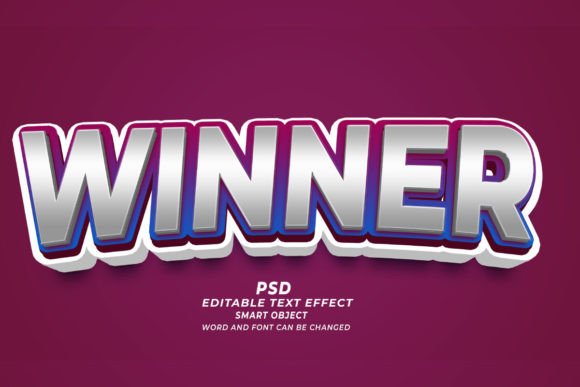
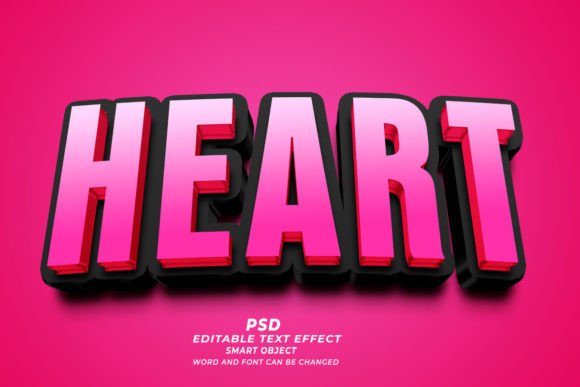
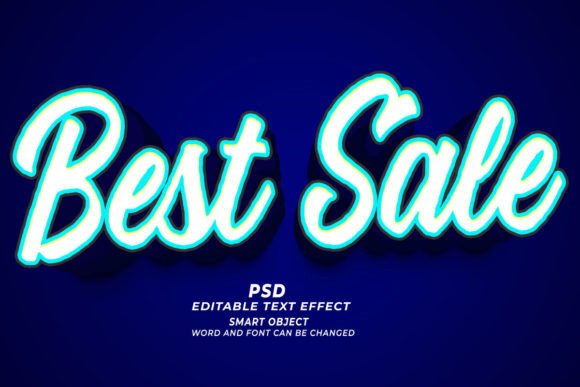
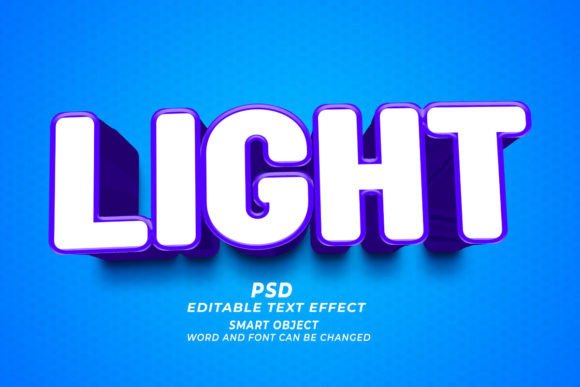
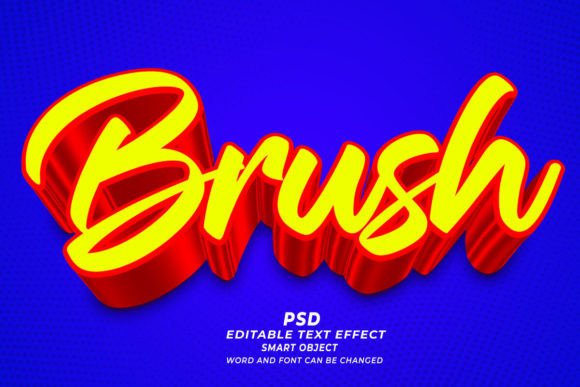
At its core, this resource is built on Adobe Photoshop’s Smart Object technology. For those unfamiliar, a Smart Object is a container that holds image data from raster or vector images, preserving the source content with all its original characteristics. When you purchase or download a Brush PSD 3D Editable Text Effect, you are not just getting a static image; you are getting a layered, non-destructive template. You can simply open the files and replace the text in the smart object. This works seamlessly with standard text or any kind of shape you wish to apply the effect to.
The primary advantage here is flexibility. Unlike flattening a design, which locks your pixels in place, smart objects allow you to revisit and revise your work indefinitely. You can change words, fonts, and sizes easily without degrading the quality of the 3D brush strokes or shadows. This is crucial for professionals who need to iterate quickly based on client feedback or for entrepreneurs testing different headlines for their web banners.
Common Mistakes That Compromise Quality
While these templates are designed to be user-friendly, several common pitfalls can hinder your results. Recognizing these early can save you hours of troubleshooting and ensure your final output looks professional rather than amateurish.
Ignoring Resolution and DPI Settings
One of the most frequent errors users make is neglecting the resolution settings. High-quality print materials, such as T-shirts, POD (Print on Demand) products, or KDP book covers, require a resolution of 300 DPI (dots per inch). Many beginners open these PSD files in web-resolution modes (72 DPI), assuming they can upscale later. This is a critical mistake. Upscaling a low-resolution image results in pixelation and blurry edges, ruining the crispness of the 3D brush effect. Always verify that your document is set to 300 DPI before you begin editing, especially if the final destination is physical print.
Mismatched Font Choices
The aesthetic of a 3D brush effect relies heavily on the underlying typography. A common misunderstanding is that any font will look good with any brush style. In reality, thick, bold fonts often interact better with heavy brush textures, while delicate scripts may get lost in the 3D depth. If you replace the placeholder text with a font that is too thin, the 3D extrusion might look disjointed or weak. Take the time to experiment with font weights. The goal is harmony between the typeface and the texture. If the effect looks cluttered, try a simpler font or adjust the scale of the text within the smart object.
Overlooking Color Profiles
Designers often forget to check color profiles, leading to disappointing results when moving from screen to print. RGB (Red, Green, Blue) is ideal for websites, web banners, and digital marketing materials. However, CMYK (Cyan, Magenta, Yellow, Key/Black) is the standard for printing. If you design a vibrant neon 3D text effect in RGB and send it directly to a printer without conversion, the colors will appear dull and muddy. Always confirm the intended use of your design. If it is for a T-shirt or a book cover, convert your document to CMYK early in the process to adjust for any color shifts.
Maximizing Versatility Across Platforms
The true value of a Brush PSD 3D Editable Text Effect lies in its versatility. It is not limited to a single application. By avoiding the siloed thinking that "this is just for social media," you can leverage one asset across multiple channels. Here is how to approach different use cases effectively:
- Web Banners and Digital Ads: Keep your file size in mind. While the source PSD is high resolution, export your final banner as a compressed PNG or JPG optimized for web loading speeds. The 3D effect adds depth that increases click-through rates, but only if the page loads quickly.
- Print on Demand (POD) and T-Shirts: Ensure your background is transparent when exporting. Most POD platforms require PNG files with transparency so the 3D text sits cleanly on the garment color. Check the specific dimension requirements of the platform, as they vary significantly.
- KDP Book Covers: Amazon KDP has strict guidelines regarding bleed and spine width. Do not simply paste your 3D text onto a generic canvas. Use the exact template provided by KDP for your book’s trim size. The high-resolution nature of the PSD allows you to scale the text without losing quality, which is essential for professional-looking covers.
Best Practices for Editing and Customization
To get the best results, follow a structured workflow. First, always duplicate the original smart object layer before making changes. This preserves a clean backup in case you want to revert to the original style. Second, when editing the text, pay attention to the kerning and leading. 3D effects can sometimes make letters appear closer together than they are due to shadows and depth. Adjusting the spacing ensures readability.
Furthermore, do not be afraid to mix and match. Since these are PSD files, you can combine elements from different templates. Perhaps you like the brush texture from one effect but the lighting from another. Because the layers are organized and labeled, you can copy layer styles between documents. This level of customization transforms a simple template into a unique brand asset.
What to Check Before You Buy or Download
Before integrating a new text effect into your workflow, evaluate the source. Look for descriptions that explicitly mention "Easy To edit" and "Just Click and Edit." These phrases usually indicate well-structured layer hierarchies. Check if the provider offers support or documentation. A high-quality product should include instructions on how to install fonts if specific ones are used, or how to adjust the 3D properties if you are using a newer version of Photoshop.
Also, consider the license. If you are creating designs for clients or for commercial products like T-shirts, ensure the license allows for commercial use. Most premium PSDs do, but it is always wise to verify. Using a personal-use-only asset for a client project can lead to legal complications down the line.
In conclusion, the Brush PSD 3D Editable Text Effect is a powerful tool that democratizes high-end design. By respecting technical requirements like resolution and color profiles, choosing appropriate typography, and understanding the versatility of smart objects, you can elevate your design game. Avoid the common traps of negligence, and instead, approach each project with a mindset of precision and adaptability. Your audience will notice the difference in quality, and your workflow will benefit from the efficiency these templates provide.